Scoring on a phone
Evaluators score players in the phone's web browser; there is no app to install. Sign in, enter the tryout's access key at Join a tryout, pick your session and Eval Group, then tap a player's tag and score each criterion. Scores save on the phone first and sync when there is signal, so a weak connection at the field doesn't lose anything.
Who can do what
| Step | Who |
|---|---|
| Join a tryout and score it | Anyone signed in who has the tryout's access key |
| See your own report, your pair's report | The evaluator (and the league's Admins) |
| See a division's combined rankings | Evaluators, once an Admin releases that division |
| Give out the access key, remove or restore an evaluator | League Admins |
How do I join a tryout?
- Sign in to ScoutSheet (create an account if you don't have one).
- On the home page press Join a tryout, enter the five-character Access key your league gave you (for
example
7C3M4) and press Join.
You don't need an invite. After joining, the tryout appears on your home page with Score players. If the key doesn't work, the page says why: it doesn't match, it was replaced by a new one, the tryout is closed, or you were removed. After too many wrong keys you have to wait a few minutes.
Picking what you're scoring
At the top of the scoring screen:
- Session: the day you are scoring. It starts on the session running now.
- Eval Group: the group in front of you. It starts on the group happening now or next, and the phone remembers your last choice.
The list shows the Eval Group's players by their tag in large type (for example 24-10), name second, with how many
criteria you've scored for each. Only checked-in players with a number appear. When the desk checks more players in,
a Show button appears instead of the list shifting under your thumb.
Scoring a player
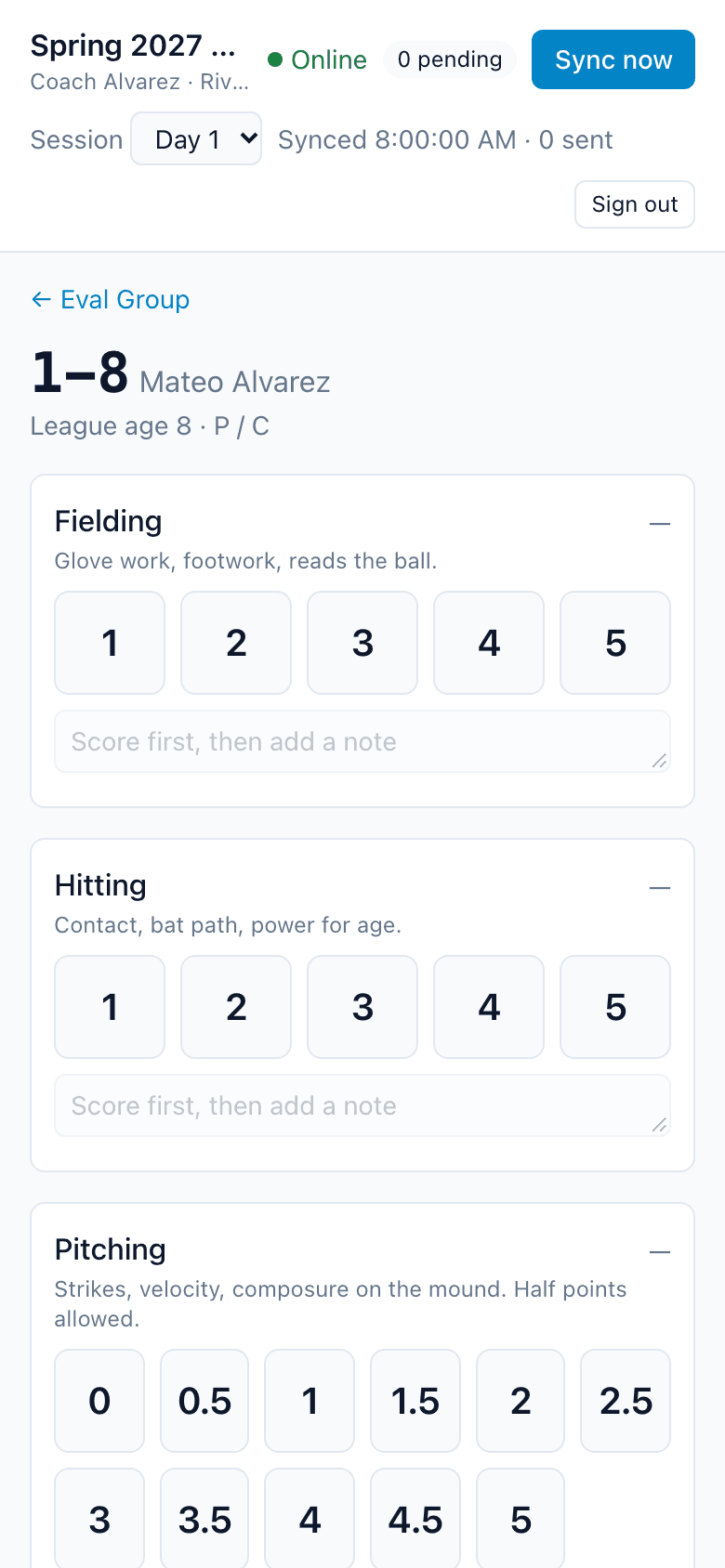
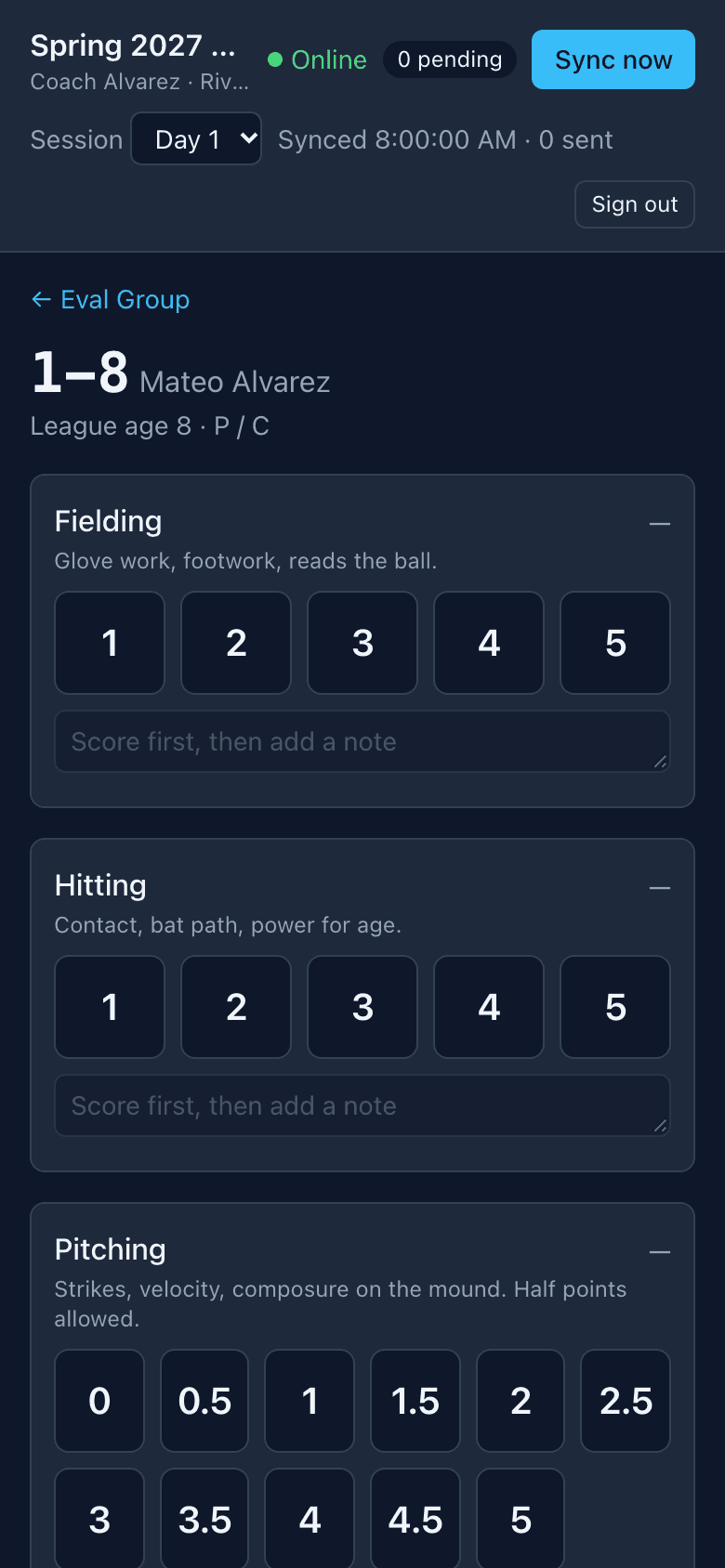
Tap a player to open their screen: tag, name, league age, positions and, when online, their check-in photo.
- Ratings: tap a score.
- Choices: tap the labeled option.
- Measurements (such as a time): type the number and press Save.
Each criterion has an optional note. Notes are private: only you, your coaching partner if your league pairs you, and the league's Admins can read them. Combined division results never include notes.
If the desk moves the player or undoes their check-in while you have their screen open, ScoutSheet tells you rather than changing the screen under you.
What happens when there's no signal?
Every tap is saved on the phone at once. The header shows Online or Offline and how many scores are pending. The phone syncs every 30 seconds and when the connection comes back; Sync now sends them straight away. A queued score leaves the phone only when ScoutSheet has received it.
To score offline, open the tryout's scoring screen once while online on that phone. After that, the scoring screen opens without signal. Other pages need a connection.
Sign-in problems never delete scores
If your sign-in expires, the phone shows Sign in to sync with the number of waiting scores. Sign in and they sync. If the phone warns that your sign-in ends before the last Eval Group, sign in again while you still have signal.
Signing out, and sharing a phone
Sign out is in the scoring screen's header and on the home page. Signing out clears the tryout data cached on the phone. Scores that haven't synced stay on the phone with you, and sync the next time you sign in there; they never sync for anyone else. If you have unsynced scores, ScoutSheet asks before signing you out.
If someone else signs in on the same phone, they see a note that unsynced scores from another account are on the device. Those sync when their author signs in again. Discarding them is a deliberate choice and can't be undone.
When the tryout closes
Once an Admin closes the tryout, new scores aren't counted. Scores you made before the close still sync for 48 hours, so keep the scoring page open online to send them. The same applies if an Admin removes you from the tryout: scores made before then still count.
Your reports
On your home page, each tryout card links to My report (your own rankings and notes), your pair's report if you are paired, and a "Division rankings" link for each division an Admin has released to evaluators.